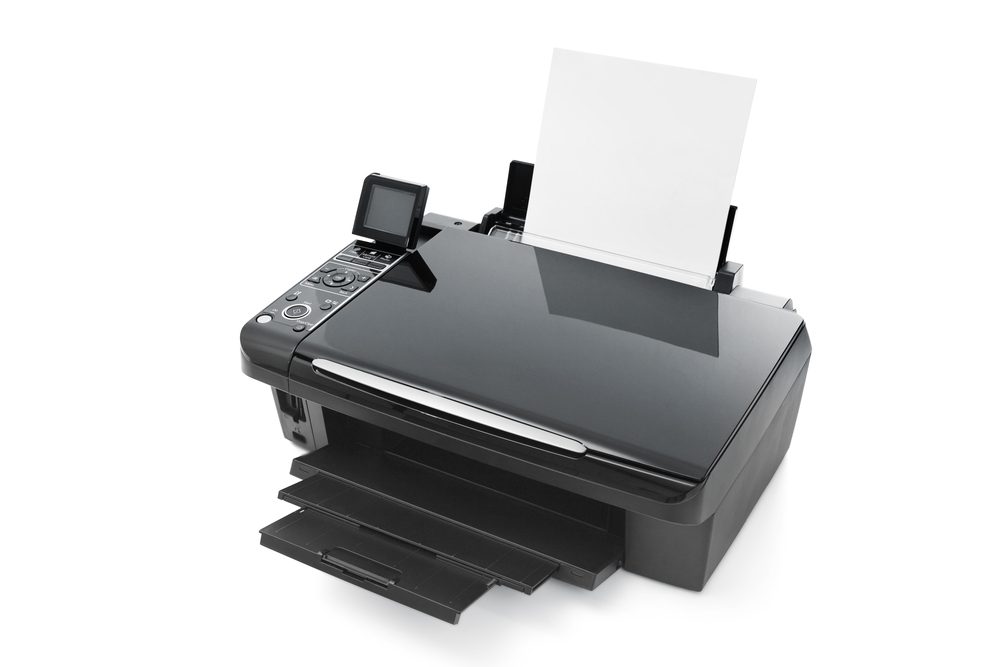
The all-in-one printer is one of the most popular of its kind and ideal for small business and home use. Combining a ton of different technologies into a single device, the all-in-one printer has quickly become the "go to" solution for those that are looking to make a very economic investment, while still enjoying the very best of cutting edge technologies. Setting up your all in one printer correctly is important before you can successfully begin using it. Here are just a few tips and tricks to do exactly that. Not all printers are designed to work with your current hardware or the computer operating system installed, therefore, you need to establish that the all-in-one printer you have purchased is suitable for use with the existing technology. Establish if you would like to setup with a corded solution or a wireless solution. Different setups will work for different people, and it's one of the more important features that you may or may not want to invest in before you proceed. The next step would be to download the latest drivers for your all-in-one printer from the internet before you begin the installation process. After downloading the drivers, it's time to begin the actual physical installation of your hardware. Install the CDs or software that the solution came with. Next, begin the process of hooking up your computer to your printer via the ethernet cable or wireless network. From here on out you will be presented with all different kinds of prompts and on-screen messages, messages that will basically walk you through the entire installation process. Once complete, print a test page to ensure your new hardware is working correctly.
 Kimberly Knight